
MADE FOR THE FEED
Seedream 5.5 social visuals with a little more personality.
A Seedream 5.5 social media brief should explain what a viewer notices in the first second. Choose one subject, one mood and one focal point. Then plan the crop and any text placement for the destination, rather than squeezing a finished landscape image into every format.
Reviewed October 22, 2026
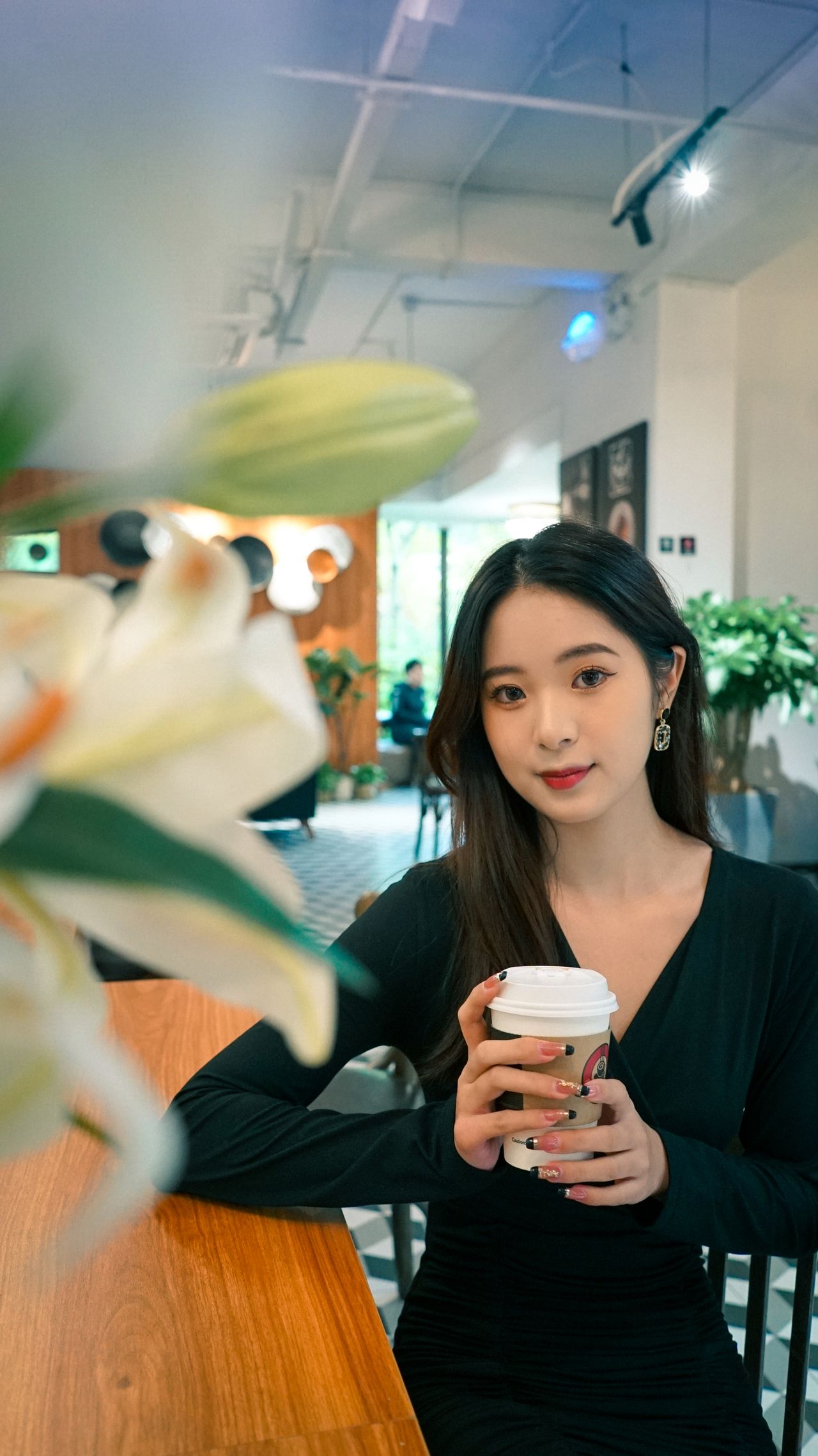
Plan Seedream 5.5 social images around the crop
Think about the phone screen before choosing decorative details. A vertical story needs room near the edges for interface overlays. A profile thumbnail needs a face or object that remains readable when small. A launch cover needs space for its final headline. Confirm the current destination's crop requirements when preparing the export.
- Cover: a strong focal point with a deliberate headline area.
- Lifestyle post: an action or setting that adds context to the subject.
- Story concept: vertical composition with important detail away from the edges.
Build a Seedream 5.5 visual series with a shared brief
Choose a palette, light treatment and camera distance for the series. Keep those choices in each prompt while changing the location or action. Save the prompts alongside the images so the series can be compared consistently. Separate requests can drift; inspect the subject and styling rather than assuming the images will match automatically.
- Repeat two or three deliberate colors, not a long list of trends.
- Keep product and wardrobe descriptions consistent across briefs.
- Add final typography and platform-specific layout in your editor.
THE PROMPT EDIT
A brief you can make your own
These are original prompt recipes, not claims about a particular generated result. Change the subject and details before using them.
01
The cafe-weekend post
Lifestyle creator photograph of a woman in a lilac cardigan holding an iced coffee at a small city cafe, candid relaxed pose, soft window light, warm wood and pale pink details, waist-up vertical composition, natural skin and fabric texture, clean breathing room around the subject.
Check the cup, fingers and reflections before using a tight crop.
02
The small-brand launch cover
Editorial launch-cover concept with a cherry red cosmetic pouch on a pale lavender table, one small silver mirror as a supporting prop, soft directional daylight, pouch placed in the lower right, upper left kept simple for a headline added later, refined pink and plum color palette, landscape frame.
Treat the image as a layout base and typeset the final offer separately.
From brief to a usable image
- 01
Pick the destination
Decide whether you need a cover, feed post or vertical story concept.
- 02
Choose a focal point
Name the person, product or action the viewer should notice first.
- 03
Create a consistent brief
Carry the chosen palette and light into each separate image request.
- 04
Preview on a phone
Check the crop, small text and important details at the size people will see.
THE FINAL LOOK
Review before you share
- Is the focal point readable at phone size?
- Will interface overlays or a crop obscure the important detail?
- Is text accurate and large enough after the final export?
- Does the image still fit the series when viewed beside the other posts?
Q & A
Questions before you create
Can Seedream 5.5 social images include a headline?
You can describe short quoted text in the prompt, but inspect every letter. For an offer, date or brand headline that must be exact, add the final typography in a design editor.
Does this guide automatically publish to social networks?
No. The Seedream 5.5 social workflow covers briefing, image review and preparation. Download your result, finish the layout, and publish through the account and platform you normally use.
How do I keep a creator series consistent?
Reuse the same subject description, palette, camera treatment and light direction. Where supported, use a reference. Compare every output because separate requests do not guarantee identity or style consistency.
Keep your next idea moving
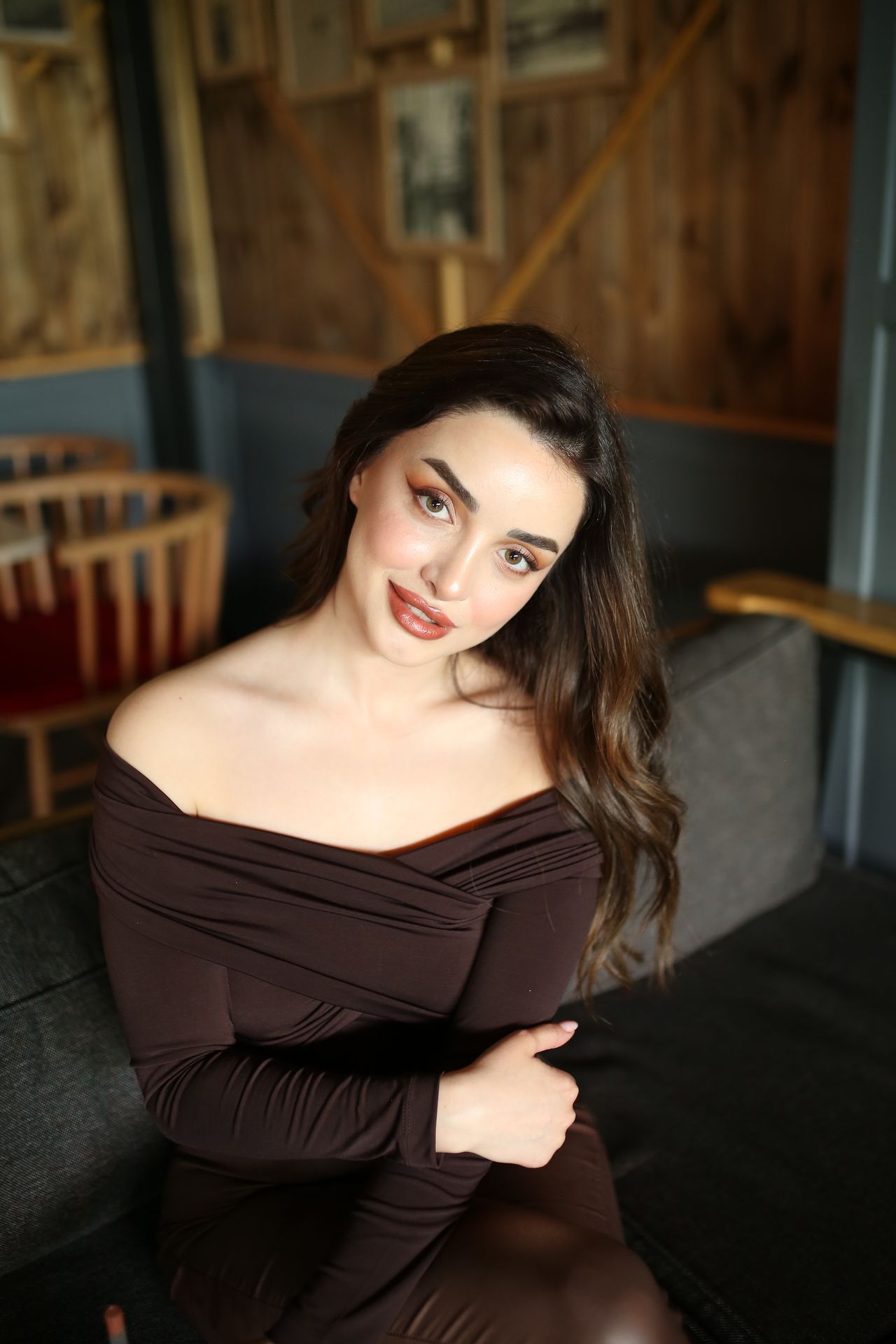
START WITH WORDS
Prompt library
Original recipes for the images you actually want to make.
Explore guide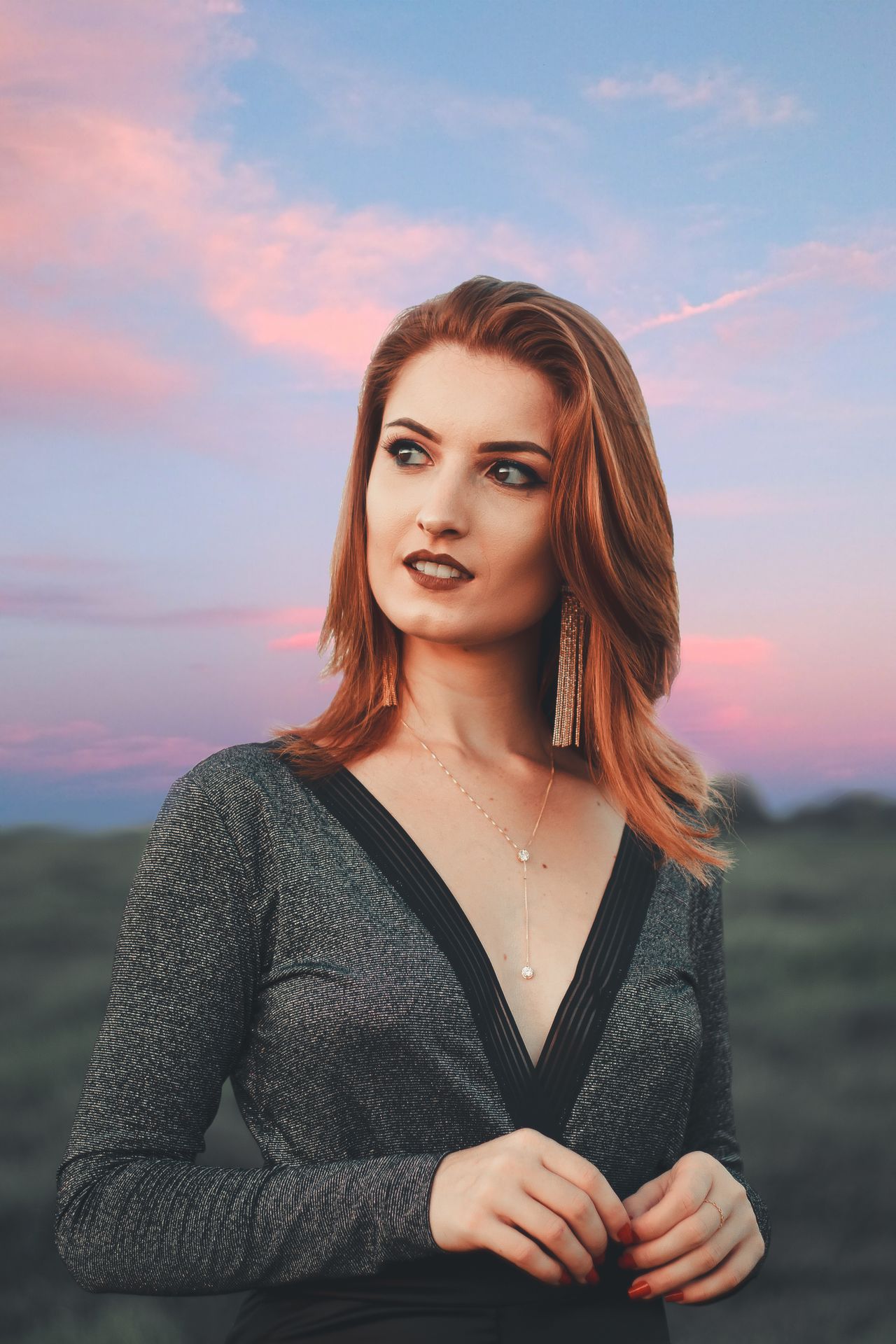
FACES & PERSONAL STYLE
Portrait photography
Cafe light, flash moments and a portrait that feels intentional.
Explore guide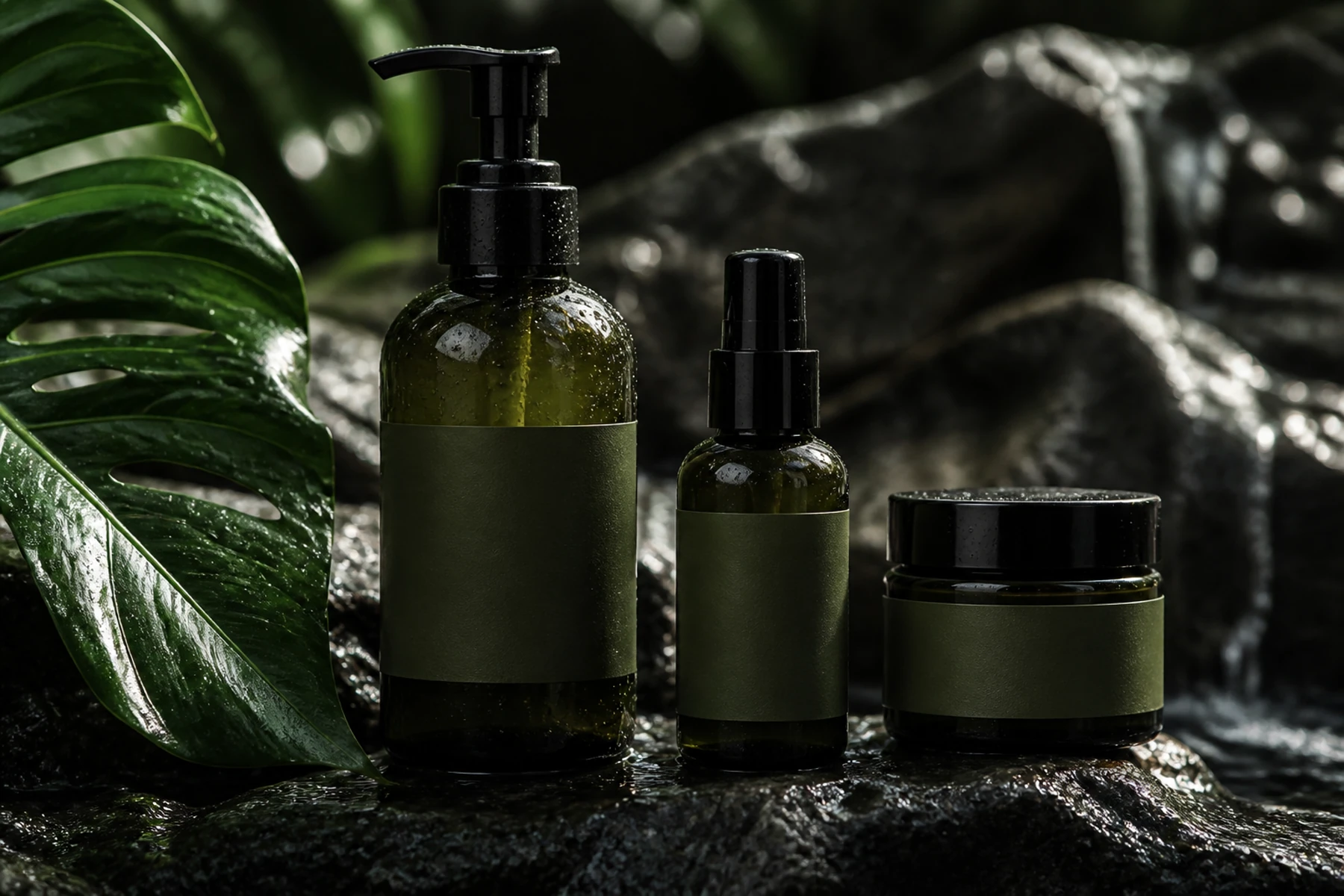
SMALL BRANDS, BIG IDEAS
Product photography
Beauty launches, still lifes and product scenes with a clear focal point.
Explore guideYOUR NEXT FRAME
Bring your own point of view.
Choose a recipe, adjust its details, and review the model and cost in the studio. Opening a prompt does not start a paid generation.
Open image studio ↗