Seedream 5.5
  • Create
  • AI Image
    • Open Image Workspace
    • Edit Photos with AI
    • GPT Image 2New
    • Nano BananaNew
      • Nano Banana 2New
      • Nano Banana Pro
      • Nano Banana Flash
    • Seedream 5.0New
    • Flux 2
    • Qwen ImageNew
      • Qwen Image 2
      • Qwen Image 3New
    • Z-Image
  • AI Video
    • Open Video Workspace
    • MiniMax H3New
  • Tools
    • Browse all tools
    • Image alternatives
      • SeaArt AI
      • Canva AI
      • Leonardo AI
      • Lovart AI
    • Video alternatives
      • InVideo AI
      • VEED AI
      • Vidu AI
      • DeeVid AI
      • Sora AI
      • Qwen AI Video
    • More tools
      • Image to Prompt
      • Batch Image to Prompt
      • Video Enhancer AI
      • AI Photo to Video
  • Pricing
English
  • English
  • 中文
  • 日本語
  • 한국어
  • Español
  • العربية
  • 繁體中文
Seedream 5.5

AI Video Maker: How to Make an AI Video

A centralized video generation workspace. Default model is Grok Imagine Video 1.5. Generate polished AI videos from text or image prompts.

How to Make an AI Video

Put together polished AI videos in minutes. Choose your go-to model, pick a workflow, and start generating. The built-in examples help you study motion structure and prompt pacing.

  1. 01

    Choose your model

    Select a video generation model from the available options. The default is Grok Imagine Video 1.5.

  2. 02

    Write your prompt

    Describe the subject, action, setting, camera movement, and lighting. Optionally upload a reference image to guide the scene.

  3. 03

    Generate and review

    Run the generation and visually evaluate the clip for visible action, subject consistency, and camera movement.

Daytime Café Conversation

A young woman with curly hair speaks toward the camera at an outdoor street café in daylight, medium close-up, warm natural light, documentary-style conversation clip.

The subject, setting, and lighting are clearly defined; the medium close-up framing is easy to identify.

Check visible action
Ensure the described action (e.g., walking, speaking, turning) is clearly visible in the generated clip.
Check camera movement
Verify that any camera cue (pan, zoom, orbit) is executed smoothly and matches the prompt.
The café conversation clip shows no lip movement. What now?

Add 'speaking naturally, lips moving' to your prompt and regenerate.

How do I keep the same subject across multiple clips?

Use the same descriptive details (hair, clothing, face) in each prompt for consistency.

The daylight lighting looks flat. How can I improve it?

Specify 'warm golden hour light' or 'soft diffused daylight' in your prompt.

Resources
  • Create
  • Pricing
  • Image to Prompt
  • Batch Image to Prompt
Company & Legal
  • About
  • Contact
  • Privacy Policy
  • Terms of Service
  • Refund Policy
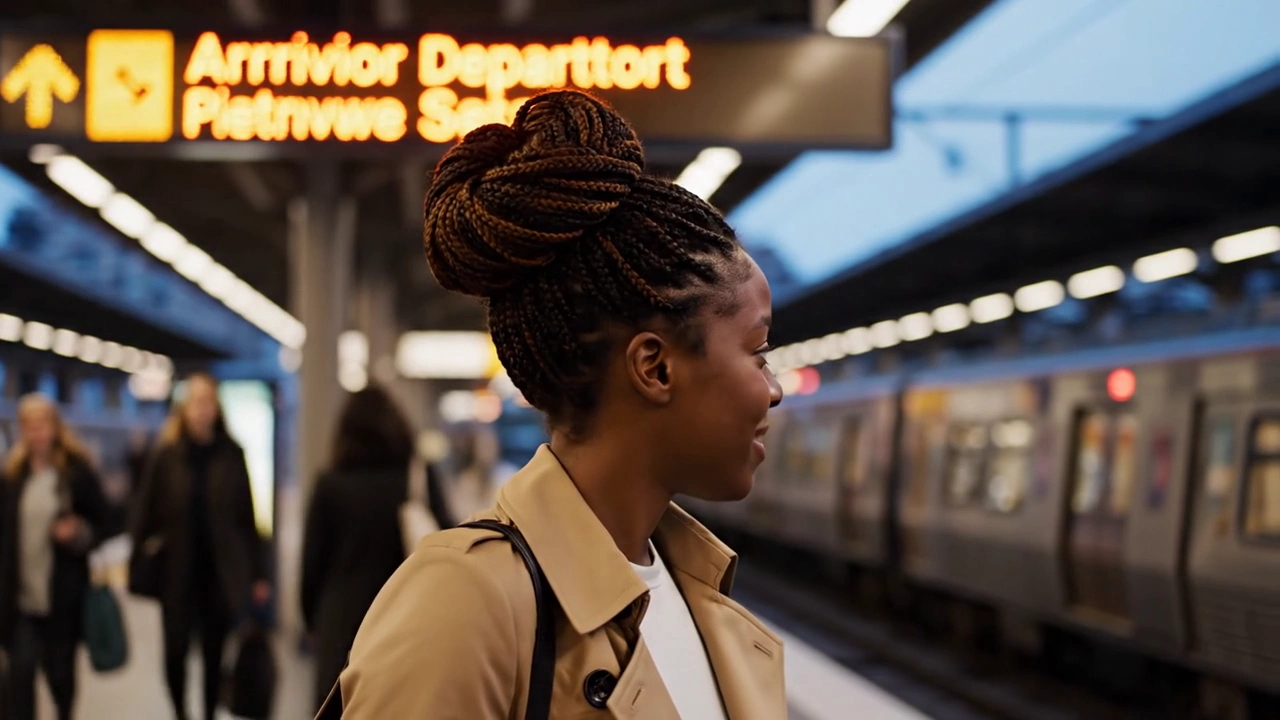
Create an editorial scene
  • Text-Rich Image Generation
  • High-Resolution Creative Assets
  • High-Fidelity Image Generation
Seedream 5.5

Describe a character, location, and mood. Get an editorial scene to review narrative continuity and spatial relationships.

[email protected]

This website is an independent third-party platform. We are not affiliated with, endorsed by, or officially representing any AI model providers referenced on this site. All trademarks and brand names belong to their respective owners.

© 2026 Seedream 5.5. All rights reserved.

Privacy Policy
Enter text, describe the content, movement... (e.g. A 3D boy skateboarding in the park.)