
SMALL BRANDS, BIG IDEAS
Seedream 5.5 product photography, with room for your brand.
A Seedream 5.5 product photography brief should begin with what makes the product recognizable. Define its shape, material and label placement before deciding on props. Then give the image one commercial job: a clean listing, a campaign hero or a lifestyle detail.
Reviewed October 22, 2026
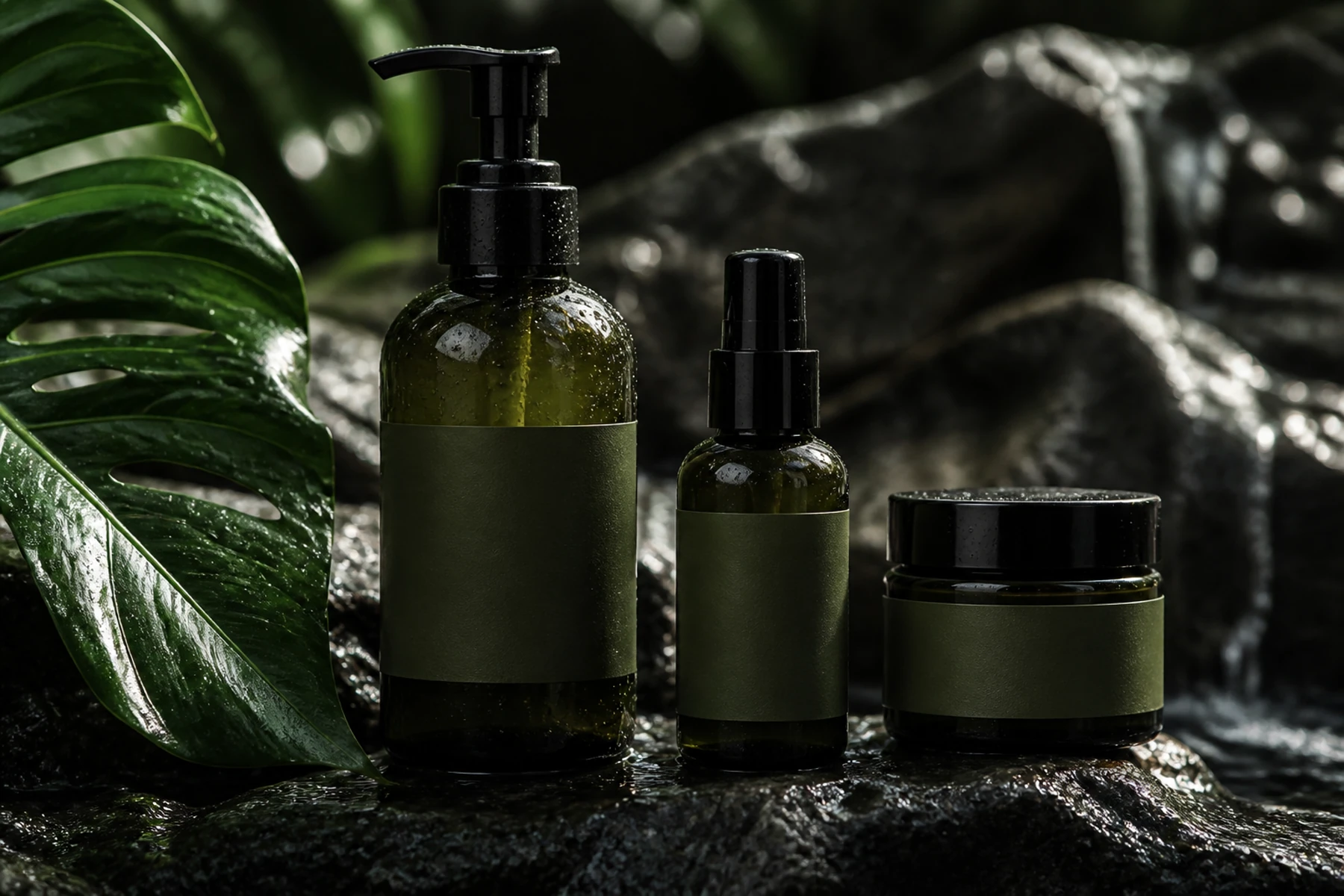
Write a Seedream 5.5 product brief around the object
Describe the object before the scene. A glass bottle needs a different reflection treatment from a matte paper carton or a glazed ceramic cup. If the packaging must remain accurate, use an appropriate reference and inspect the proportions, cap, seams and label. Generated scenes are visual concepts; they do not establish product specifications.
- Listing concept: a simple background and an unobstructed product silhouette.
- Campaign hero: product placement plus negative space for the offer.
- Lifestyle detail: a believable setting with props that explain scale.
Make Seedream 5.5 product materials feel believable
Use the light to describe the surface. A narrow highlight can explain glossy glass, while broader soft light can reveal a textured carton. Keep props subordinate to the product. When the scene feels crowded, remove a prop before adding more effects or asking for a more premium finish.
- Check whether the contact shadow anchors the object to its surface.
- Compare label placement and spelling with the source product.
- Make sure reflections do not imply duplicate caps or impossible edges.
THE PROMPT EDIT
A brief you can make your own
These are original prompt recipes, not claims about a particular generated result. Change the subject and details before using them.
01
Rose-toned skincare launch
A single frosted glass skincare bottle with a brushed silver cap on a pale rose stone block, label facing forward, softly curved lilac backdrop, large diffused light from the upper left, realistic contact shadow, no extra bottles, product on the right with empty space on the left for a campaign layout.
Use a packaging reference and add final brand typography in your design file.
02
Ceramics in morning light
Still-life product photograph of a deep blue ceramic teapot beside one orange on a light oak table, translucent curtain in the background, warm morning sunlight from the left, visible ceramic glaze and orange peel texture, clean composition with breathing room around both objects.
Look for a complete handle, a plausible spout and consistent light direction.
From brief to a usable image
- 01
Choose the destination
Match the composition to a listing, banner or lifestyle campaign.
- 02
Protect product details
List the shape, color and label details that must remain recognizable.
- 03
Build the scene
Add one surface, one light direction and only the props the image needs.
- 04
Check against the real item
Compare the result with the product before using it in a customer-facing layout.
THE FINAL LOOK
Review before you share
- Are product proportions and packaging details accurate?
- Is the text legible and spelled correctly?
- Do glass, metal and paper react plausibly to the same light?
- Is there enough space for the offer, crop and safe margins?
Q & A
Questions before you create
Can Seedream 5.5 product photography replace a product reference?
A prompt alone may invent packaging details. Use a supported reference when accuracy matters, then compare the output with the actual product. Do not treat a generated image as proof of physical features.
What should a product prompt include?
A useful Seedream 5.5 product brief names the object, material, viewpoint, surface, light direction and composition. Add props only when they clarify the setting or scale.
Does this page promise transparent product exports?
No. Check the selected model's output and the downloaded file. A pale or checkered background does not prove an alpha channel. The current studio's model options and exports determine what is available.
Keep your next idea moving
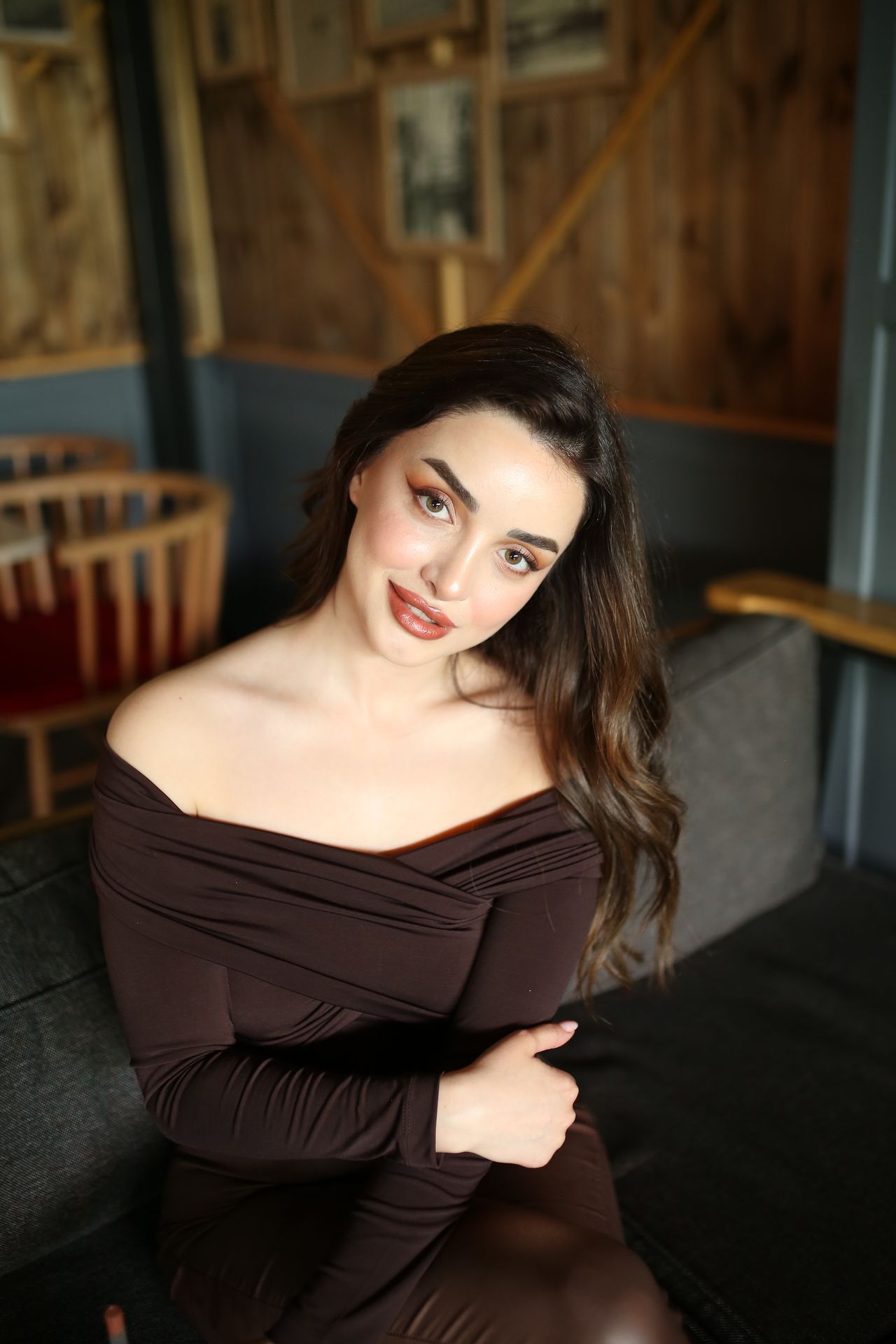
START WITH WORDS
Prompt library
Original recipes for the images you actually want to make.
Explore guide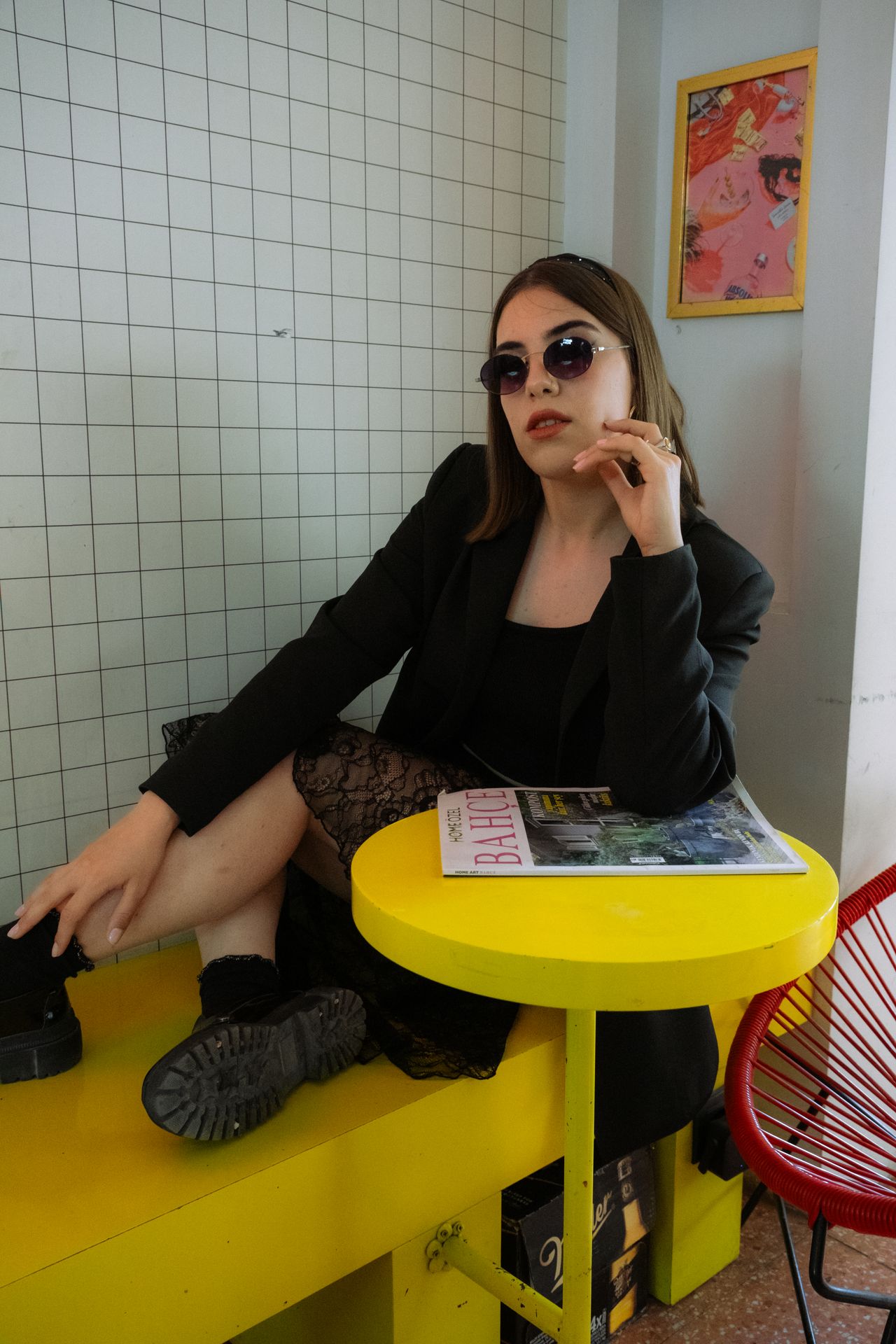
KEEP THE GOOD PART
Reference image editing
A practical keep-and-change method for reference-led revisions.
Explore guide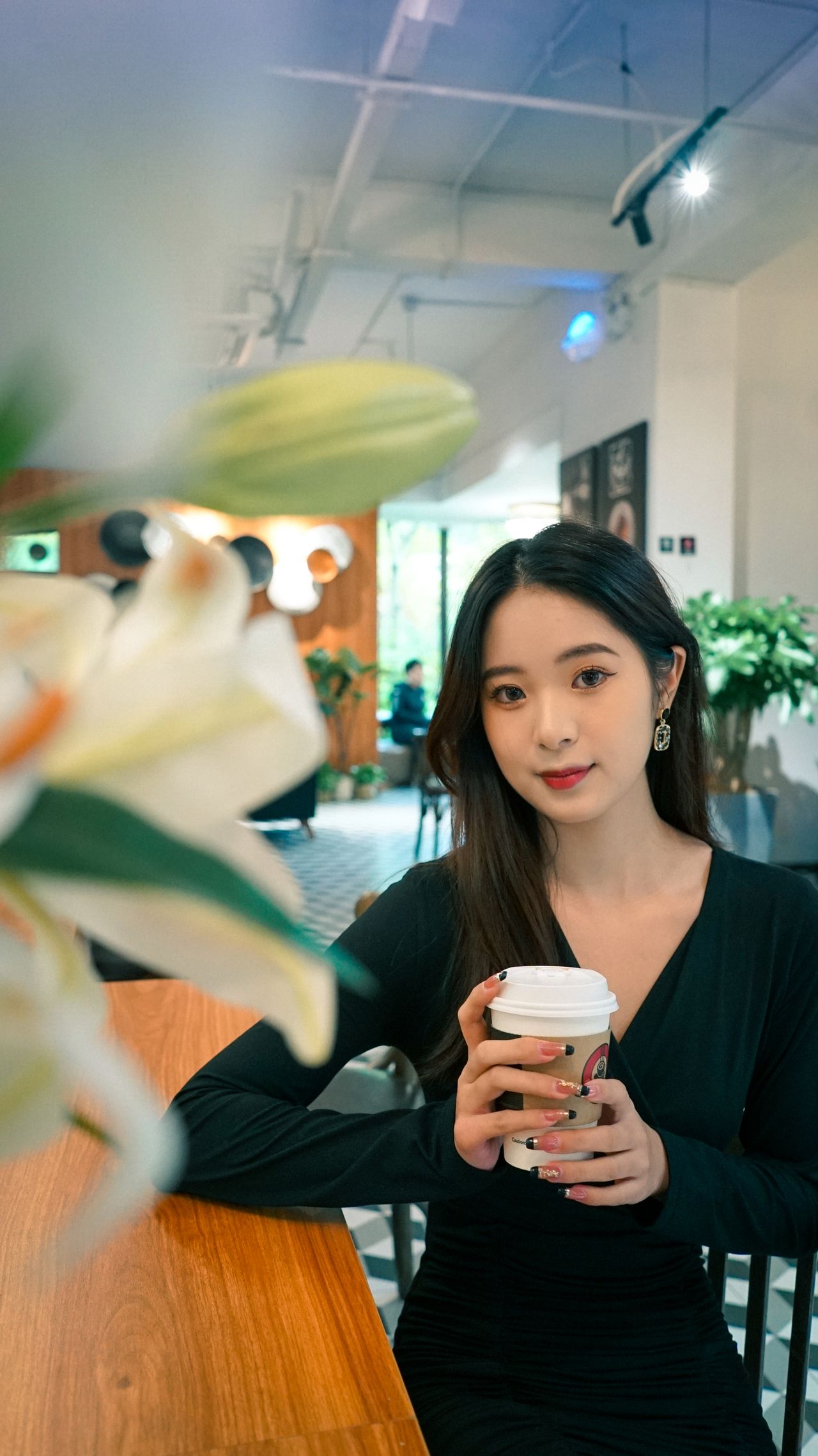
MADE FOR THE FEED
Social media visuals
Creator covers, launch moments and a visual idea that reads on a phone.
Explore guideYOUR NEXT FRAME
Bring your own point of view.
Choose a recipe, adjust its details, and review the model and cost in the studio. Opening a prompt does not start a paid generation.
Open image studio ↗