
START WITH WORDS
Seedream 5.5 prompts with a point of view.
Turn a mood into a brief you can repeat. These Seedream 5.5 prompts start with the image's purpose, then make deliberate choices about subject, framing, materials and light. Use a recipe as a starting point, rather than a promise of an identical result.
Reviewed October 22, 2026
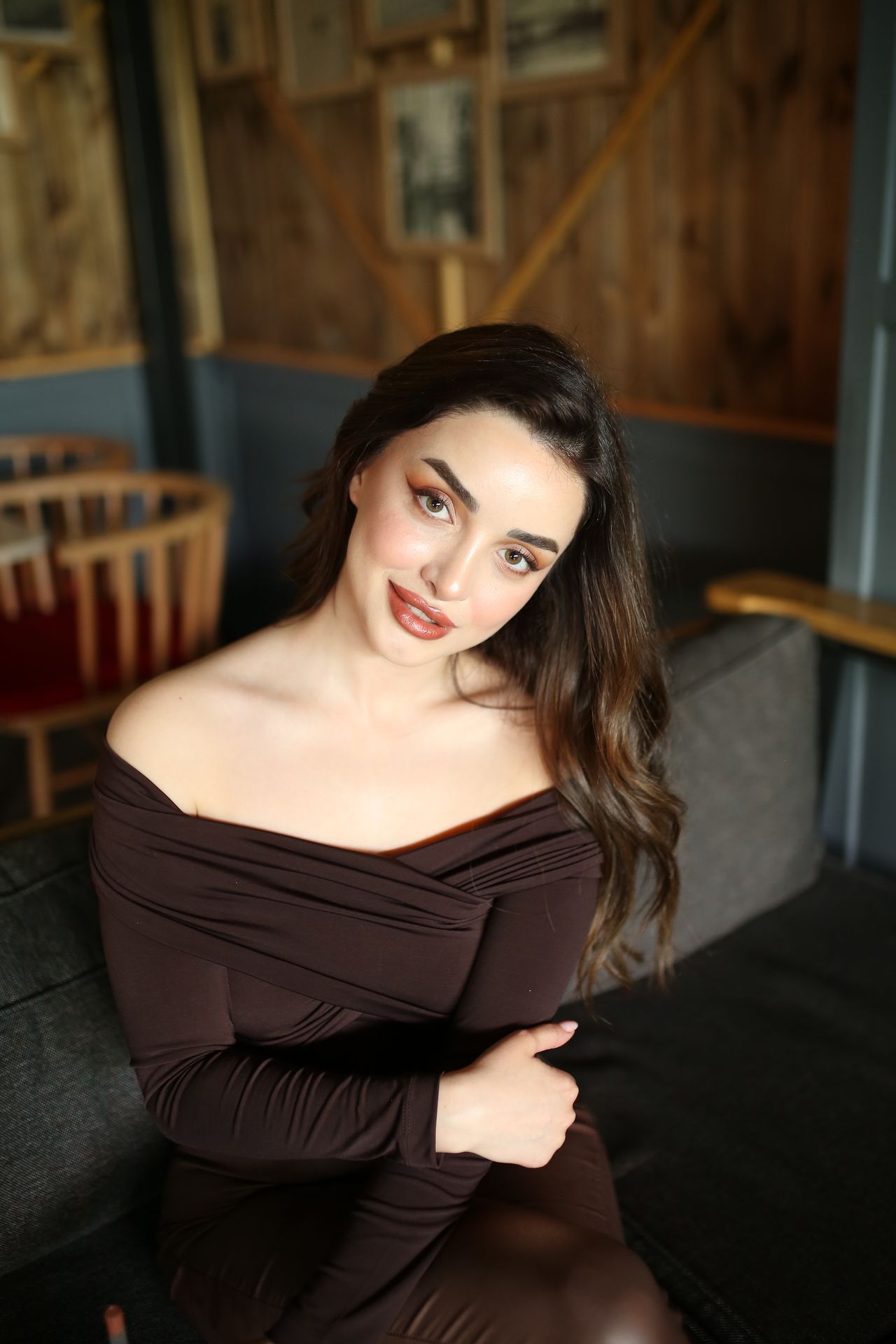
A Seedream 5.5 prompt formula you can reuse
Write the image type, subject and action first. Add the setting, framing and light source next. Finish with the details that must remain recognizable, such as a bottle's shape or a portrait's expression. A concise brief is easier to revise because each sentence has a job.
- Image type: editorial portrait, product hero or social cover.
- Composition: close-up, full body, left-weighted or centered.
- Light: overcast window, direct flash or soft studio light.
- Finish: skin texture, paper grain, glass reflections or clean edges.
Refine Seedream 5.5 prompts without losing the idea
If a scene looks generic, replace broad adjectives with visible decisions. Instead of 'luxury', name a brushed metal cap, a pale stone surface and a narrow highlight. Instead of 'cinematic', describe the camera position and where the shadow falls. Keep any successful part of your first brief when changing a detail.
- Change the background before changing both pose and wardrobe.
- Use exact quoted wording for any short text, then proofread the result.
- For a reference, describe what should stay and what should change.
THE PROMPT EDIT
A brief you can make your own
These are original prompt recipes, not claims about a particular generated result. Change the subject and details before using them.
01
The off-duty portrait
Editorial portrait of a woman in a lavender knit top, seated beside a cafe window, relaxed expression, medium close-up at eye level, soft overcast daylight from the left, natural skin texture, muted rose and lilac palette, softly blurred background, vertical composition.
Change the outfit or setting first; keep the light and framing to compare versions.
02
The beauty product hero
A frosted glass skincare bottle on a dusty pink stone plinth, cap visible and label facing forward, curved lavender backdrop, diffused studio light with a clean highlight along the bottle, subtle shadow, generous empty space on the left, landscape product photograph.
Supply a product reference when accurate packaging matters. Check the logo separately.
03
The city-weekend cover
Street-style photograph of a woman in a cherry red jacket outside a flower shop, candid mid-step pose, camera at waist height, soft afternoon light, textured city background, subject on the right with open space above and left for a headline, warm editorial color treatment.
Add the final headline in a layout editor if accurate typography is essential.
From brief to a usable image
- 01
Choose one recipe
Match the brief to its destination before selecting an aspect ratio.
- 02
Make it yours
Replace the subject, colors and setting with concrete choices from your project.
- 03
Check the studio
Review the actual selected model, supported references, size and credit estimate.
- 04
Compare and finish
Inspect the result at full size and revise one visible detail at a time.
THE FINAL LOOK
Review before you share
- Does the subject read clearly at thumbnail size?
- Are names, logos and quoted words correct?
- Do hands, reflections and repeated patterns look consistent?
- Is there room for the final crop and any text overlay?
Q & A
Questions before you create
How long should Seedream 5.5 prompts be?
Use enough detail to make the intended composition clear. A short paragraph with a subject, setting, framing and light source is a useful start. Remove repeated adjectives before adding more instructions.
Can I use these Seedream 5.5 prompts with the current studio?
You can open a recipe in this site's image studio and adapt it to the selected model. The current default is Seedream 5.0. A prompt transfer only fills the editor; generation starts when you submit it yourself.
Why do two results differ with the same prompt?
Image generation can vary between requests. Treat Seedream 5.5 prompts as direction, inspect each result, and use a supported reference when you need to preserve an existing visual.
Keep your next idea moving
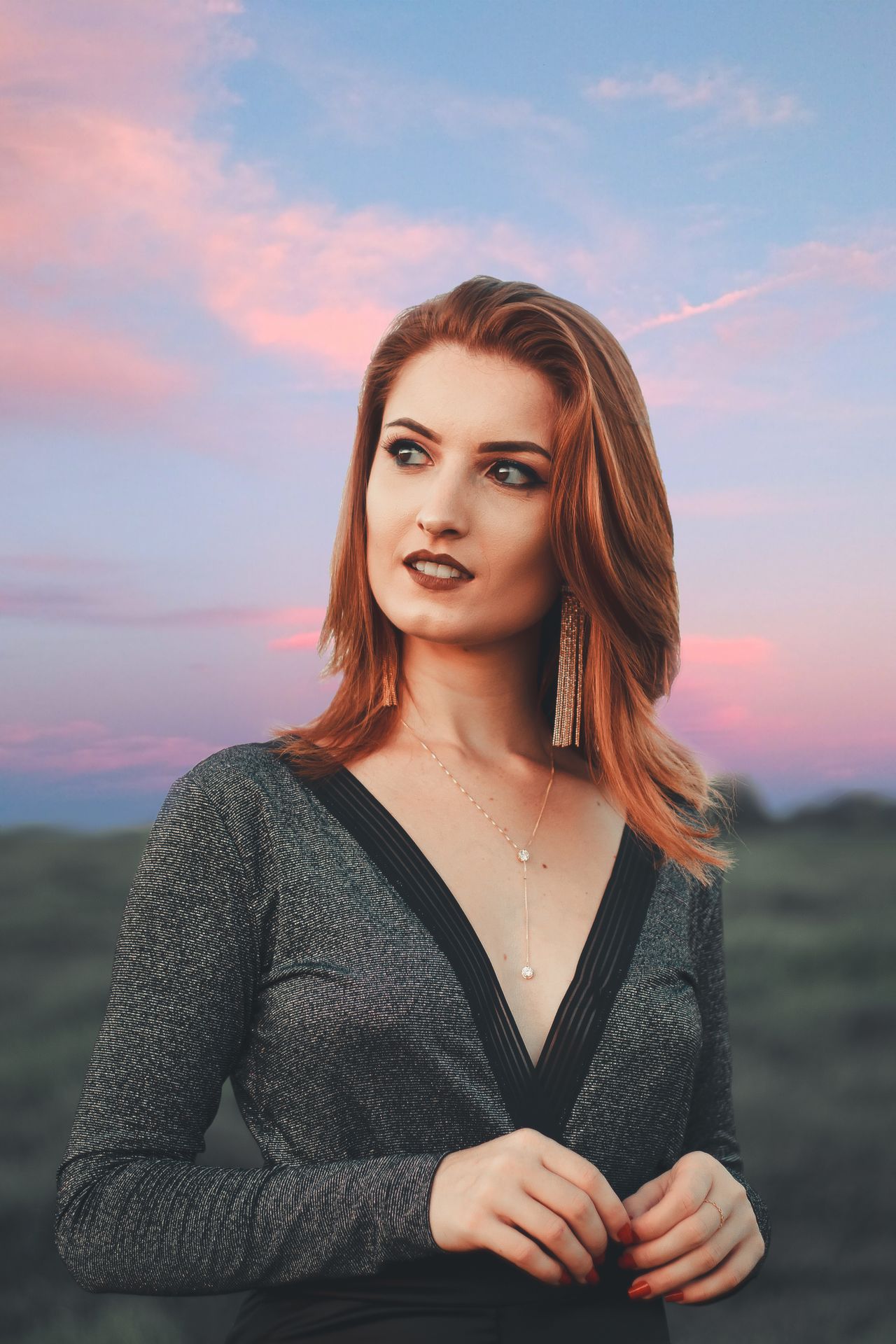
FACES & PERSONAL STYLE
Portrait photography
Cafe light, flash moments and a portrait that feels intentional.
Explore guide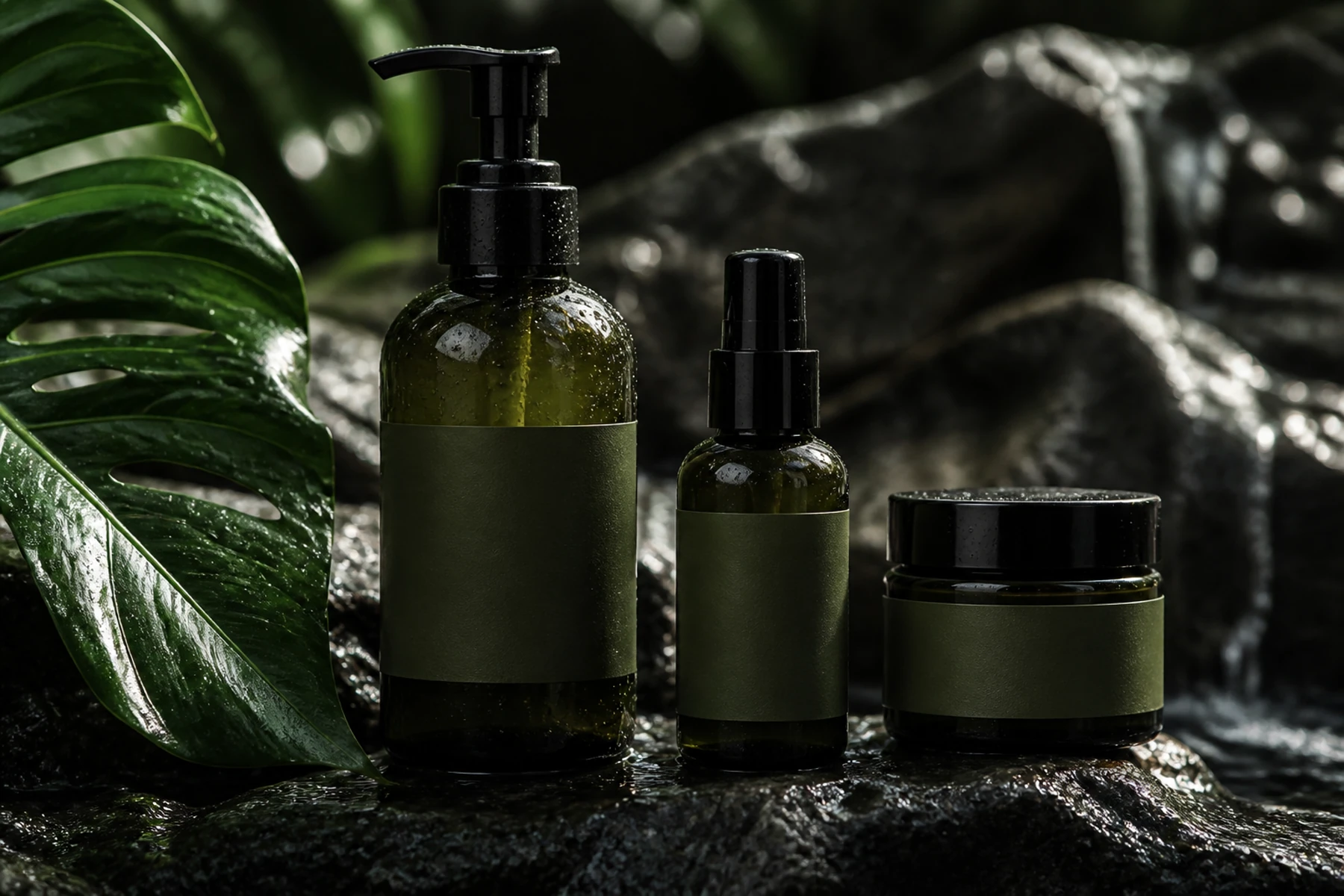
SMALL BRANDS, BIG IDEAS
Product photography
Beauty launches, still lifes and product scenes with a clear focal point.
Explore guide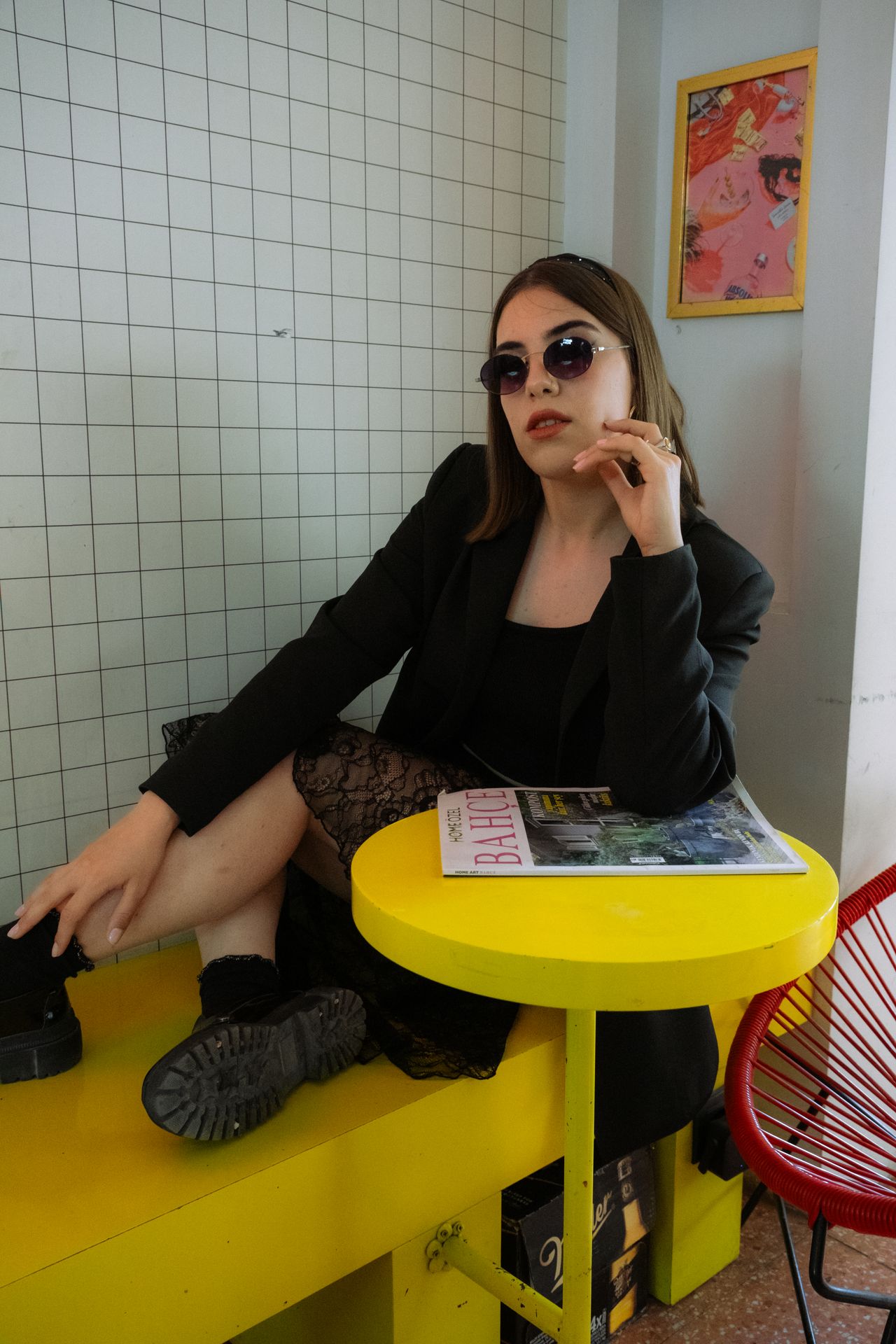
KEEP THE GOOD PART
Reference image editing
A practical keep-and-change method for reference-led revisions.
Explore guideYOUR NEXT FRAME
Bring your own point of view.
Choose a recipe, adjust its details, and review the model and cost in the studio. Opening a prompt does not start a paid generation.
Open image studio ↗