
FACES & PERSONAL STYLE
Seedream 5.5 portraits. Your kind of main-character energy.
The strongest Seedream 5.5 portrait briefs describe a person doing something, in a place with a believable source of light. Choose an expression and a camera position before adding styling. The goal is a distinctive frame you can judge, rather than a face covered in generic beauty adjectives.
Reviewed October 22, 2026
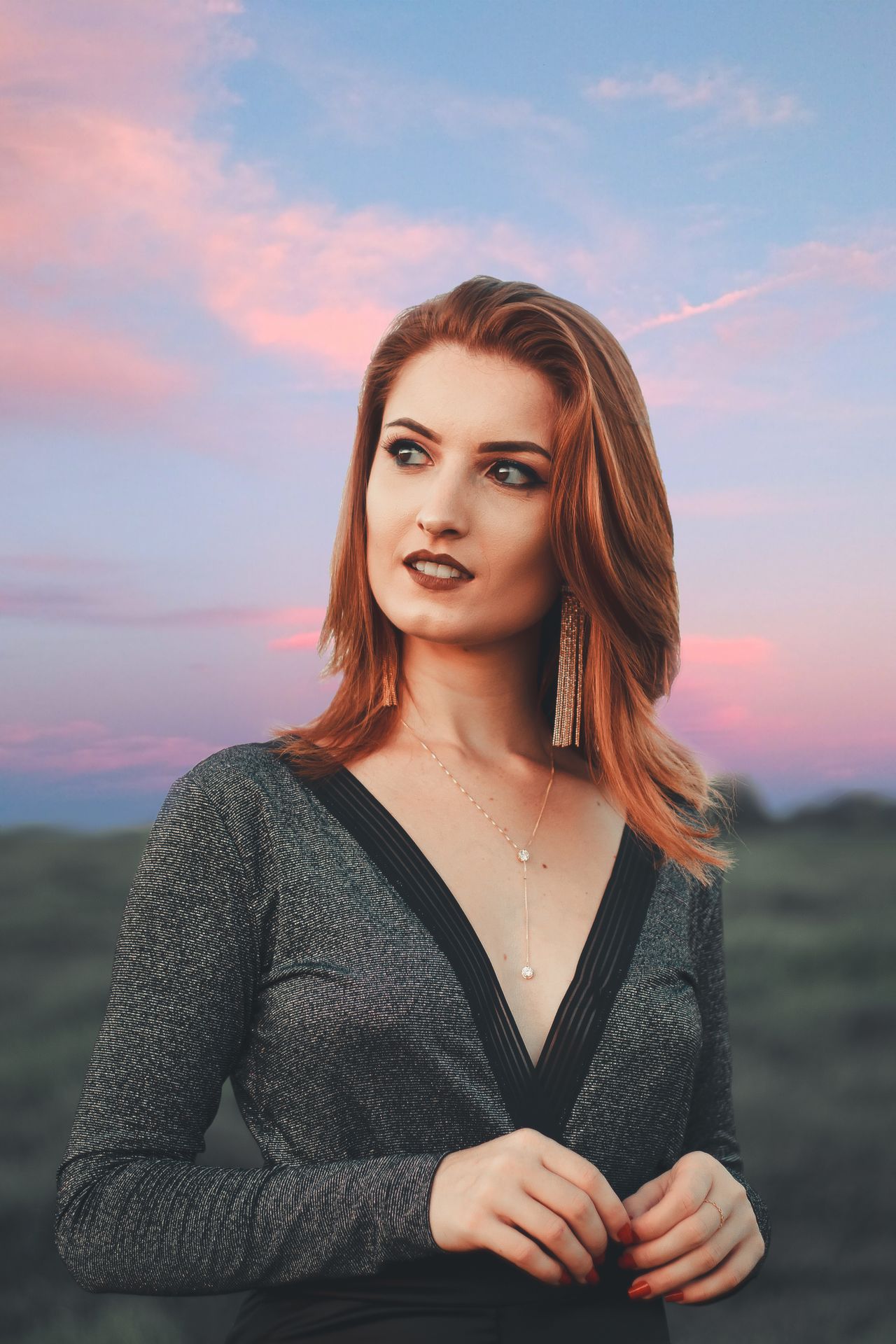
Give Seedream 5.5 portraits a lighting direction
Window light can create a gentle transition across a face. Direct flash gives a sharper snapshot mood. Late sunlight adds warmth but can make skin tones harder to balance. Choose one dominant source in the brief, and check whether the eyes, nose and neck agree about its direction.
- Soft window: place the subject beside the window, not directly in front of it.
- Flash: name a darker background and a close camera position.
- Golden hour: describe where the sun sits relative to the face.
Style Seedream 5.5 portraits for the final crop
A profile picture and a fashion cover need different framing. Use a close-up when expression matters most, or a wider portrait when clothing and location carry the story. Leave room above the head for a vertical crop, and avoid placing hands at a frame edge unless their position is intentional.
- Profile image: uncluttered background and an expression that survives a small crop.
- Editorial cover: clear subject placement plus room for layout.
- Lifestyle image: a specific action, such as holding a cup or walking past a storefront.
THE PROMPT EDIT
A brief you can make your own
These are original prompt recipes, not claims about a particular generated result. Change the subject and details before using them.
01
Soft-light cafe creator
Lifestyle portrait of a woman wearing a cream cardigan and small silver earrings, holding a ceramic cup beside a cafe window, relaxed smile, medium close-up, soft daylight, natural skin texture and individual hair strands, warm neutral background with a touch of lilac, vertical frame.
Keep the cup and hands fully in frame if they are part of the story.
02
After-dark flash editorial
Fashion portrait of a woman in a plum satin jacket outside a city restaurant at night, direct on-camera flash, candid glance toward the lens, visible fabric texture, dark background with warm blurred lights, waist-up composition, subtle editorial grain.
Inspect jewelry, teeth and reflective fabric at full size.
From brief to a usable image
- 01
Choose the portrait's job
Decide whether the image is a profile, cover or wider lifestyle frame.
- 02
Direct one expression
Use a concrete action or gaze instead of stacking conflicting emotions.
- 03
Choose model and framing
Review the image studio's actual model and available portrait ratio.
- 04
Inspect the details
Check eyes, hair, jewelry and hands before cropping or finishing.
THE FINAL LOOK
Review before you share
- Do both eyes and the visible catchlights look plausible?
- Do earrings, glasses and hair edges remain coherent?
- Is the skin texture consistent with the intended style?
- Does the crop preserve the expression and any important gesture?
Q & A
Questions before you create
How can Seedream 5.5 portraits look less generic?
Name an action, wardrobe texture, location and light direction. Specific styling choices make the brief more distinctive than repeated terms such as perfect, beautiful or ultra-realistic.
Can a reference preserve the same face?
A supported reference can guide the image, but exact identity preservation is not guaranteed. For a Seedream 5.5 portrait workflow, compare the facial proportions and distinctive details after every edit.
Are these verified Seedream 5.5 portrait results?
No. The photography on this page is creative reference material. Use the actual model selector and review the output you receive rather than treating reference photography as a model benchmark.
Keep your next idea moving
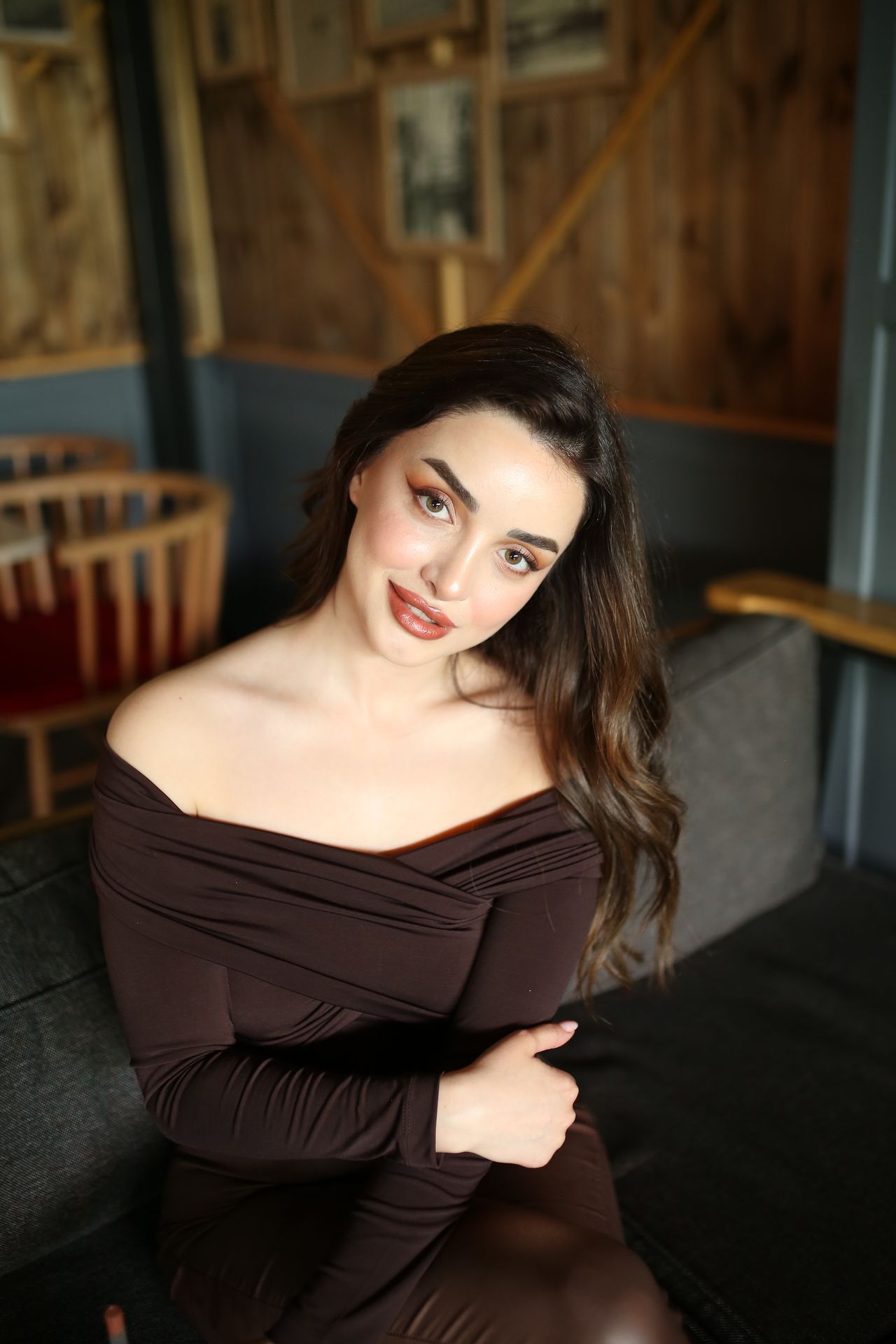
START WITH WORDS
Prompt library
Original recipes for the images you actually want to make.
Explore guide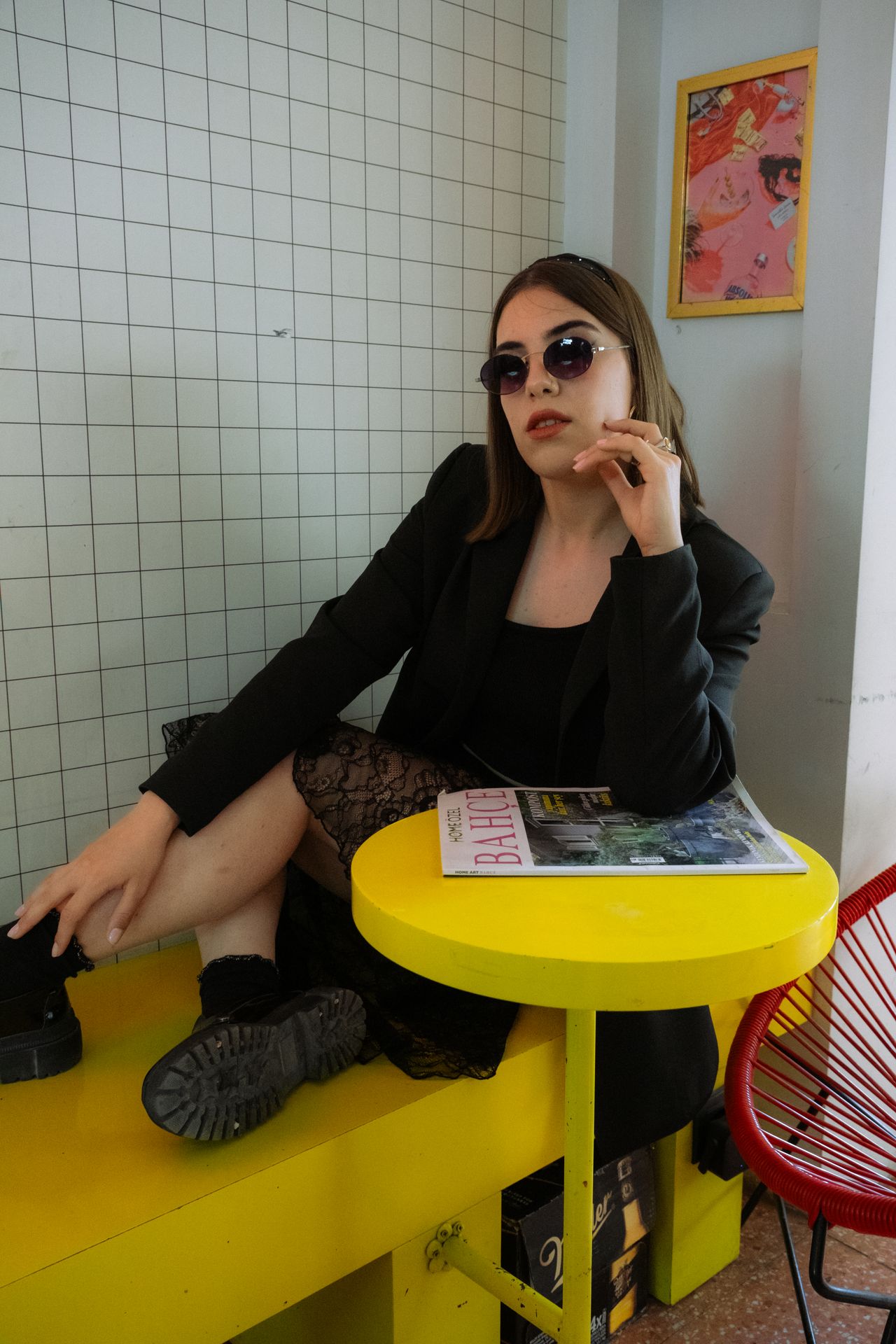
KEEP THE GOOD PART
Reference image editing
A practical keep-and-change method for reference-led revisions.
Explore guide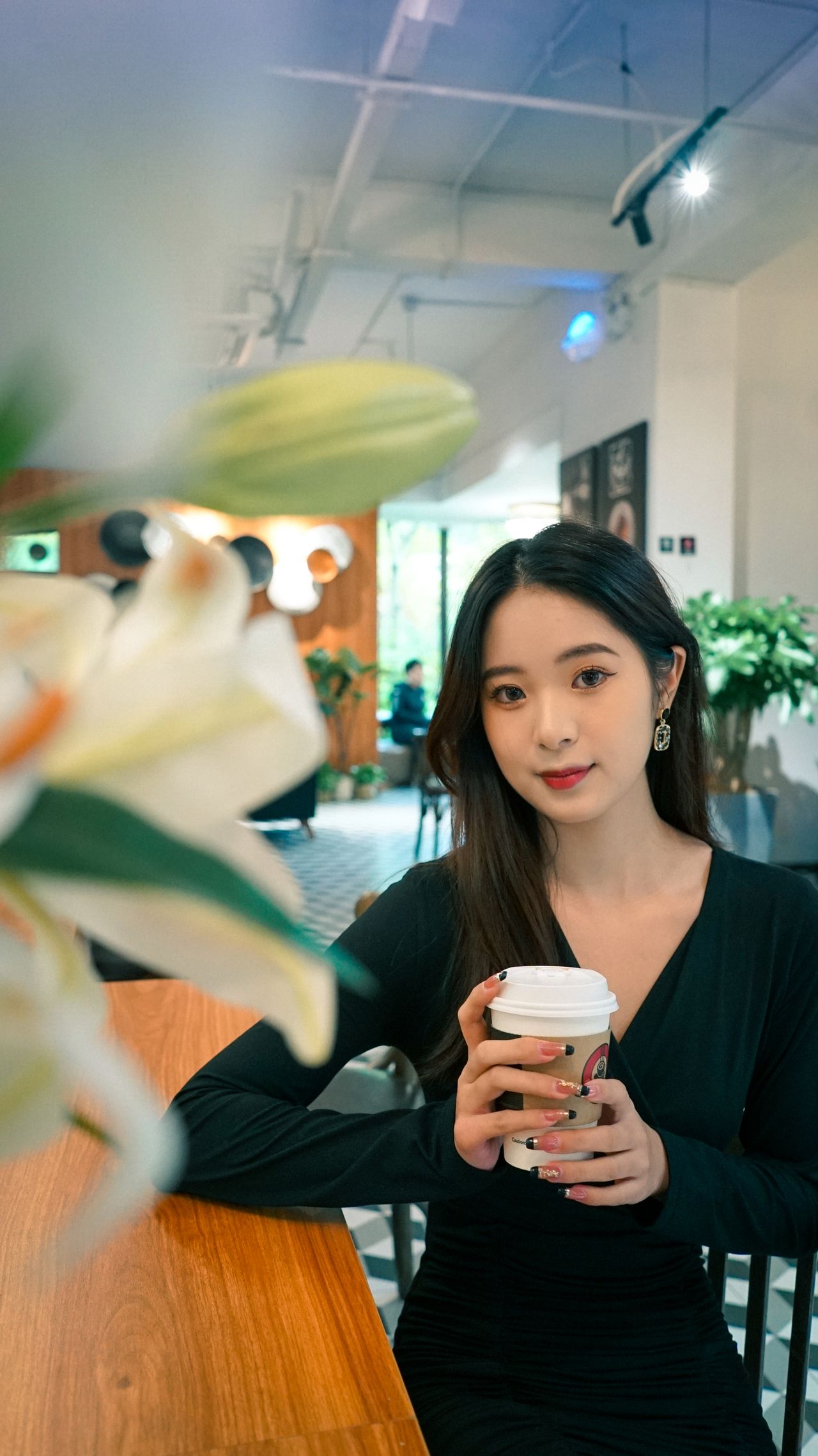
MADE FOR THE FEED
Social media visuals
Creator covers, launch moments and a visual idea that reads on a phone.
Explore guideYOUR NEXT FRAME
Bring your own point of view.
Choose a recipe, adjust its details, and review the model and cost in the studio. Opening a prompt does not start a paid generation.
Open image studio ↗