
KEEP THE GOOD PART
Seedream 5.5 image editing. Change the detail, keep the direction.
An effective Seedream 5.5 image editing brief separates the parts you want to preserve from the change you want to make. Start with a clear reference and one concrete instruction. A focused edit is easier to judge than a request that changes the person, outfit, setting and light all at once.
Reviewed October 22, 2026
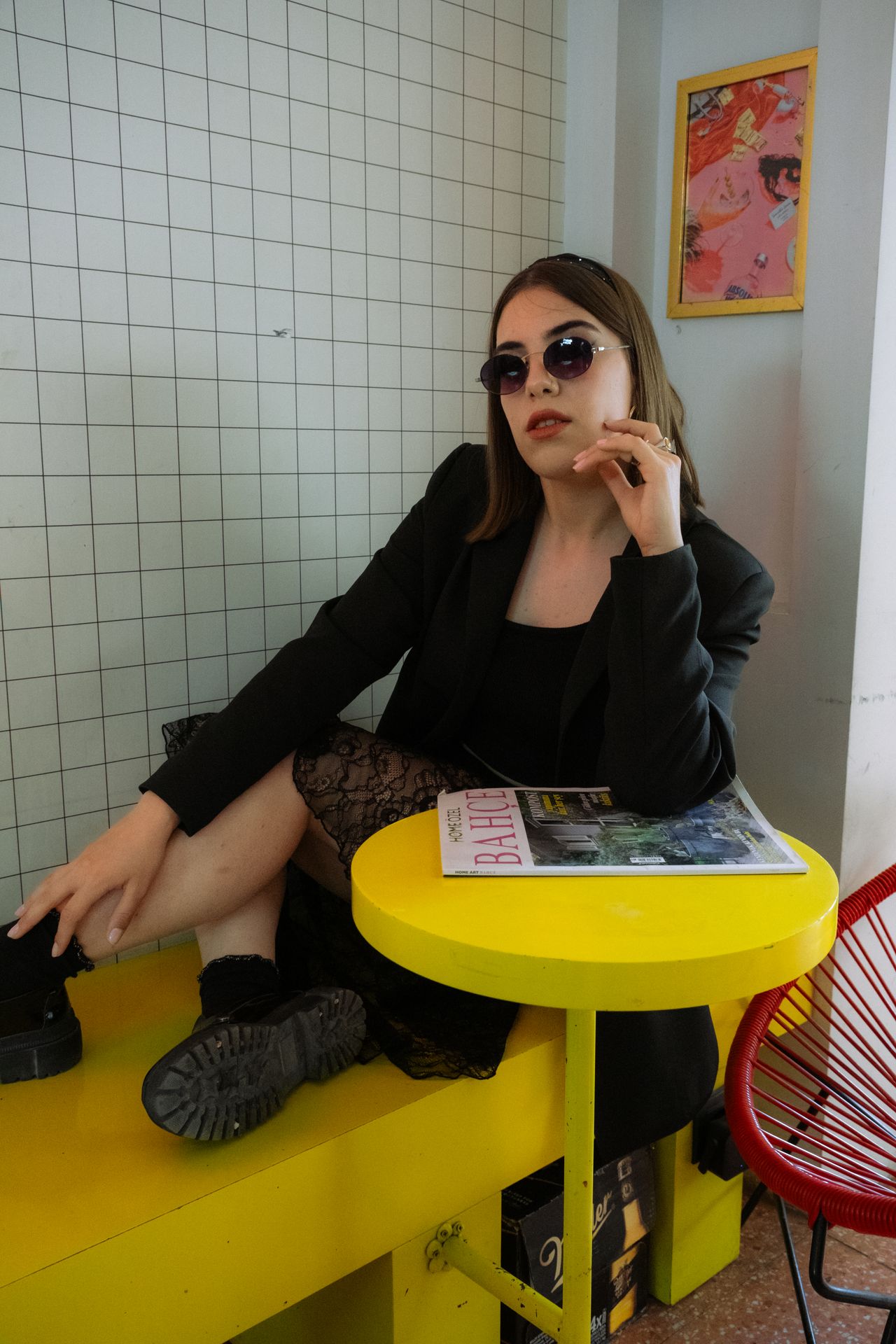
Prepare a reference for Seedream 5.5 image editing
Choose an image where the important subject is visible at a useful size. A heavily cropped face, tiny product or obstructed garment gives less information to preserve. Select a model that supports reference images, then use the studio's upload control. Describing a reference in the prompt does not upload the file for you.
- Use a clear source with the relevant face, packaging or garment visible.
- Identify the exact subject or region you want to change.
- Keep the original file so you can compare later versions.
Make one Seedream 5.5 revision at a time
Write the replacement first, then the elements that should stay. For a background edit, preserve the pose, clothing and face while describing the new setting. For a color edit, preserve the shape, material and surrounding light. Review boundaries and small details after each attempt; a keep instruction is direction, not a guarantee.
- Background: check hair edges, glasses and contact shadows.
- Outfit: check collars, cuffs, seams and the position of hands.
- Product color: compare the cap, logo placement and reflections.
THE PROMPT EDIT
A brief you can make your own
These are original prompt recipes, not claims about a particular generated result. Change the subject and details before using them.
01
A quieter background
Using the uploaded reference image, replace the busy street background with a softly lit lilac studio backdrop. Keep the person's facial features, hairstyle, pose, outfit and jewelry consistent. Preserve the original camera angle and framing. Match the new background light to the light already falling on the face.
Upload the reference separately. Compare the face and hairline before accepting the edit.
02
One wardrobe color change
Using the uploaded reference image, change only the jacket color to muted cherry red. Keep its fabric texture, stitching, shape, buttons and folds. Preserve the person's face, hands, pose and the entire background. Retain the original lighting and shadows.
Inspect seams and sleeve edges to see whether the change stayed local.
From brief to a usable image
- 01
Upload the reference
Choose an available reference-capable model and add the actual source file.
- 02
State one change
Name the background, material, color or object that needs revision.
- 03
Describe what stays
List the important identity, composition and styling details to preserve.
- 04
Compare both images
Review the edited region and the surrounding areas at full size.
THE FINAL LOOK
Review before you share
- Did the requested change happen in the correct part of the image?
- Did any unrelated facial or product detail drift?
- Do hair, sleeves and object boundaries remain clean?
- Does the new background match the subject's light and perspective?
Q & A
Questions before you create
Can Seedream 5.5 image editing preserve everything else exactly?
No prompt guarantees that every untouched detail remains identical. State what should stay, then compare the source and result. Use an external editor for changes that require exact pixel control.
Why did my reference not affect the result?
Check that the file was actually uploaded and the selected model supports image inputs. A Seedream 5.5 editing recipe describes the task, but typing the word reference does not attach an image.
Can I apply several edits in one request?
You can describe multiple changes, but they become harder to evaluate together. Start with the most important revision and inspect the result before committing to another attempt.
Keep your next idea moving
START WITH WORDS
Prompt library
Original recipes for the images you actually want to make.
Explore guide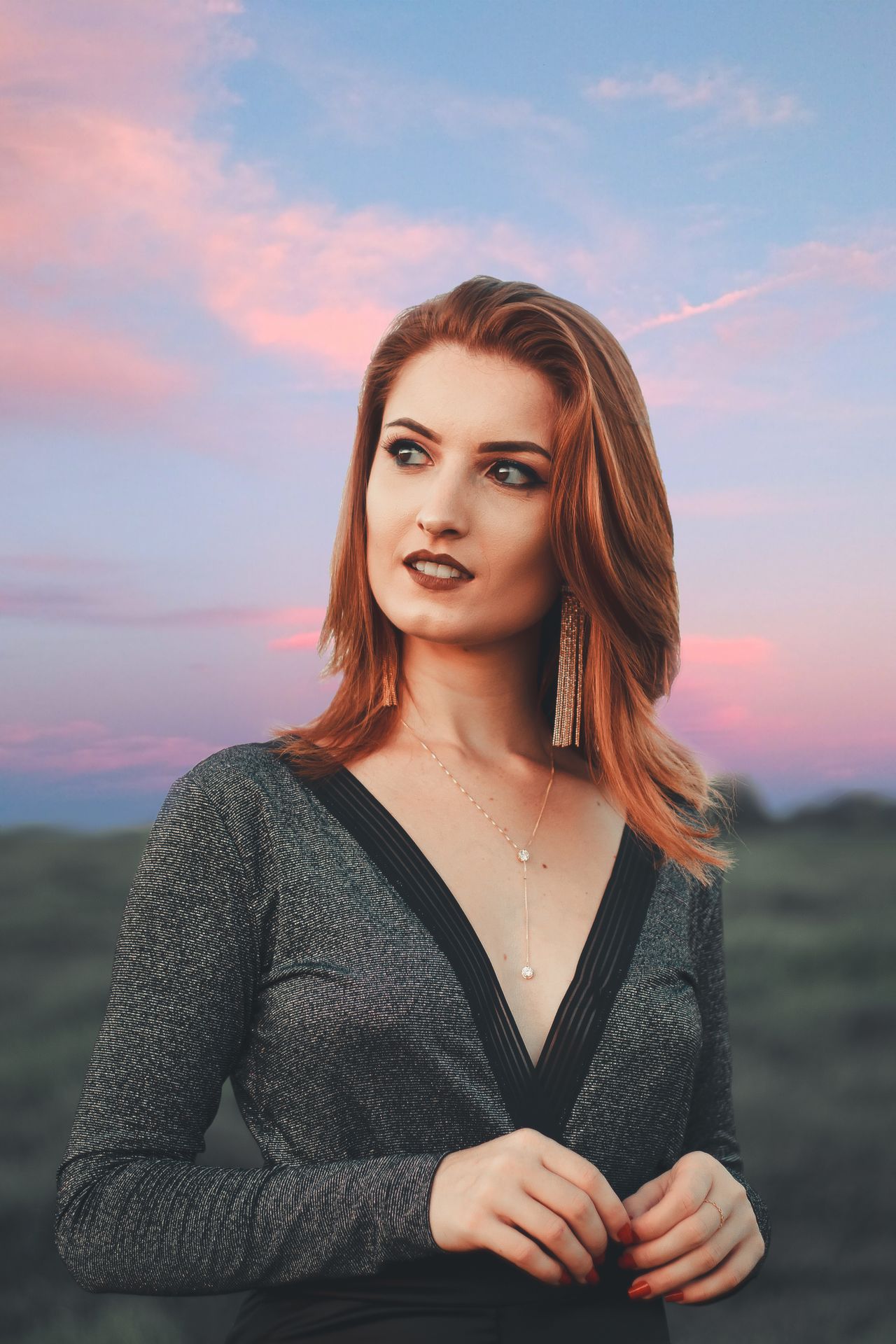
FACES & PERSONAL STYLE
Portrait photography
Cafe light, flash moments and a portrait that feels intentional.
Explore guide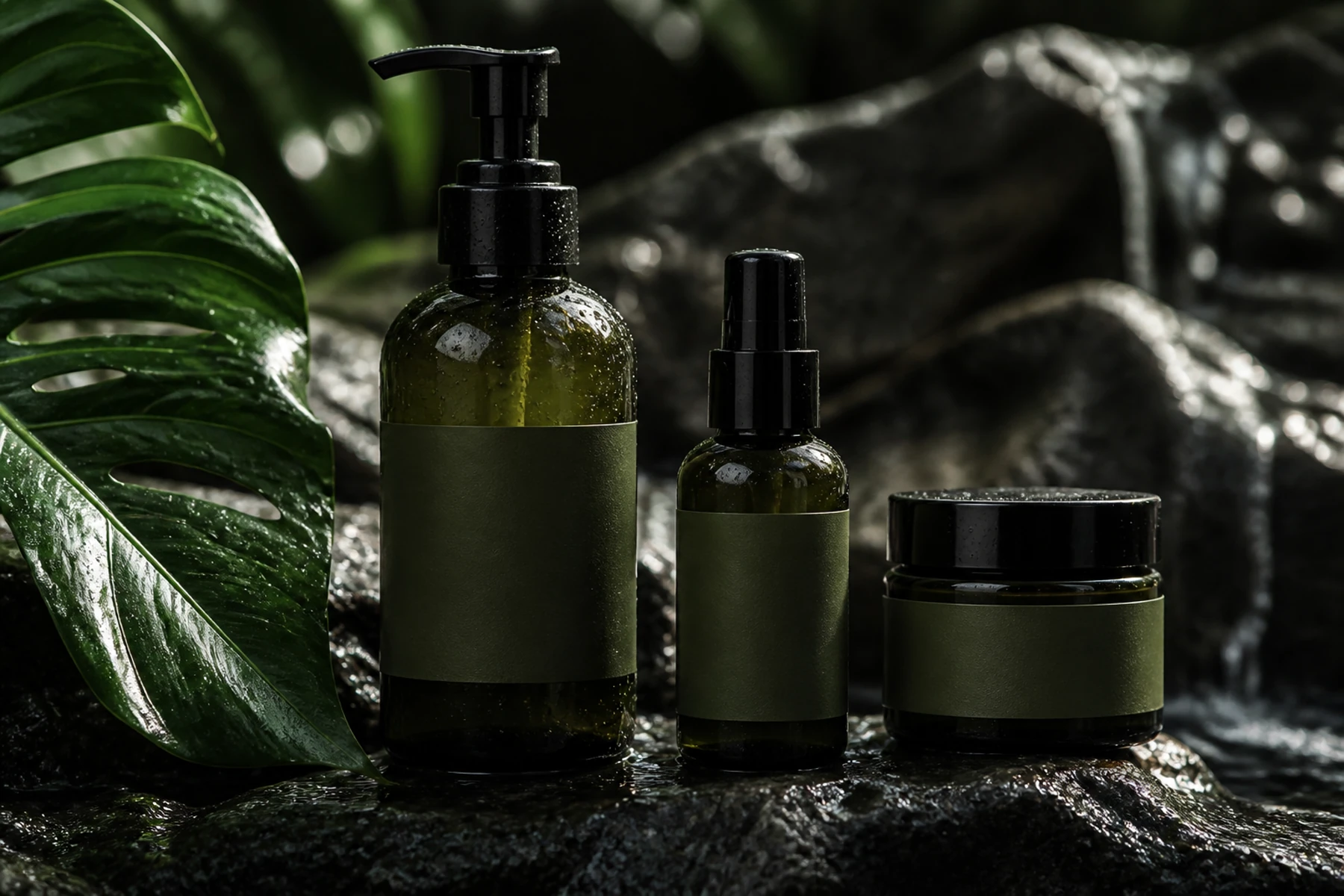
SMALL BRANDS, BIG IDEAS
Product photography
Beauty launches, still lifes and product scenes with a clear focal point.
Explore guideYOUR NEXT FRAME
Bring your own point of view.
Choose a recipe, adjust its details, and review the model and cost in the studio. Opening a prompt does not start a paid generation.
Open image studio ↗